
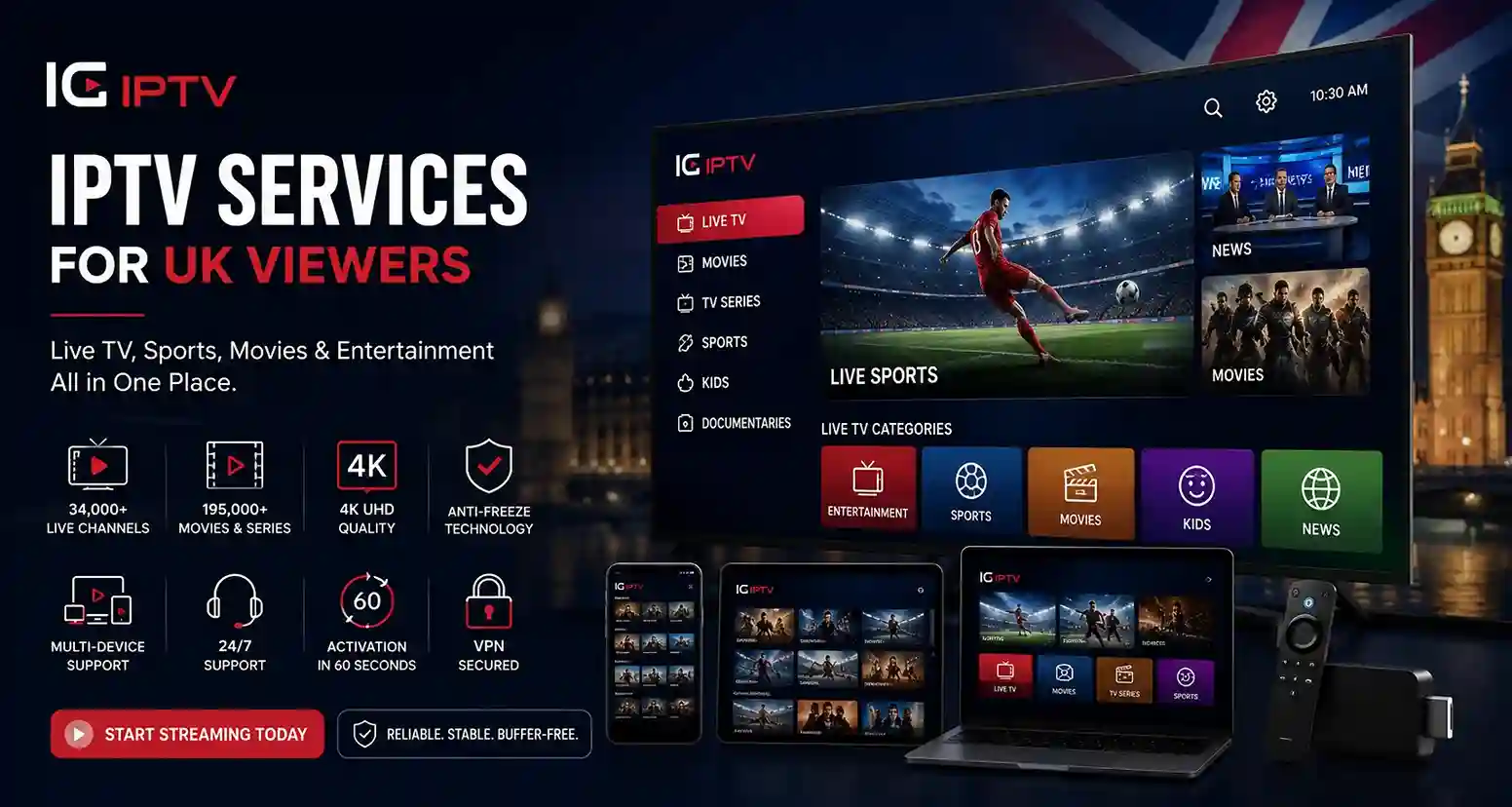
Finding the right IPTV services can make watching live television, sports, movies and on-demand entertainment much more flexible. IPTV delivers television content through an internet connection, allowing viewers to access their preferred programming on compatible devices without relying solely on traditional TV broadcasting methods.
For UK viewers, a good IPTV service should offer reliable streaming, useful channel options, broad device compatibility and a straightforward setup process. If you are comparing different options, it is also worth looking beyond channel numbers and considering streaming stability, content availability, EPG quality, customer support, pricing transparency and subscription terms.
IG IPTV provides a convenient way to explore internet-based television across supported devices. From live channels and sports to movies and TV series, the service is designed around flexible viewing for modern households.
Our IPTV Service Features
A useful IPTV service should focus on the overall viewing experience rather than simply advertising a large channel count. Several features can make a noticeable difference when choosing an option for regular streaming.
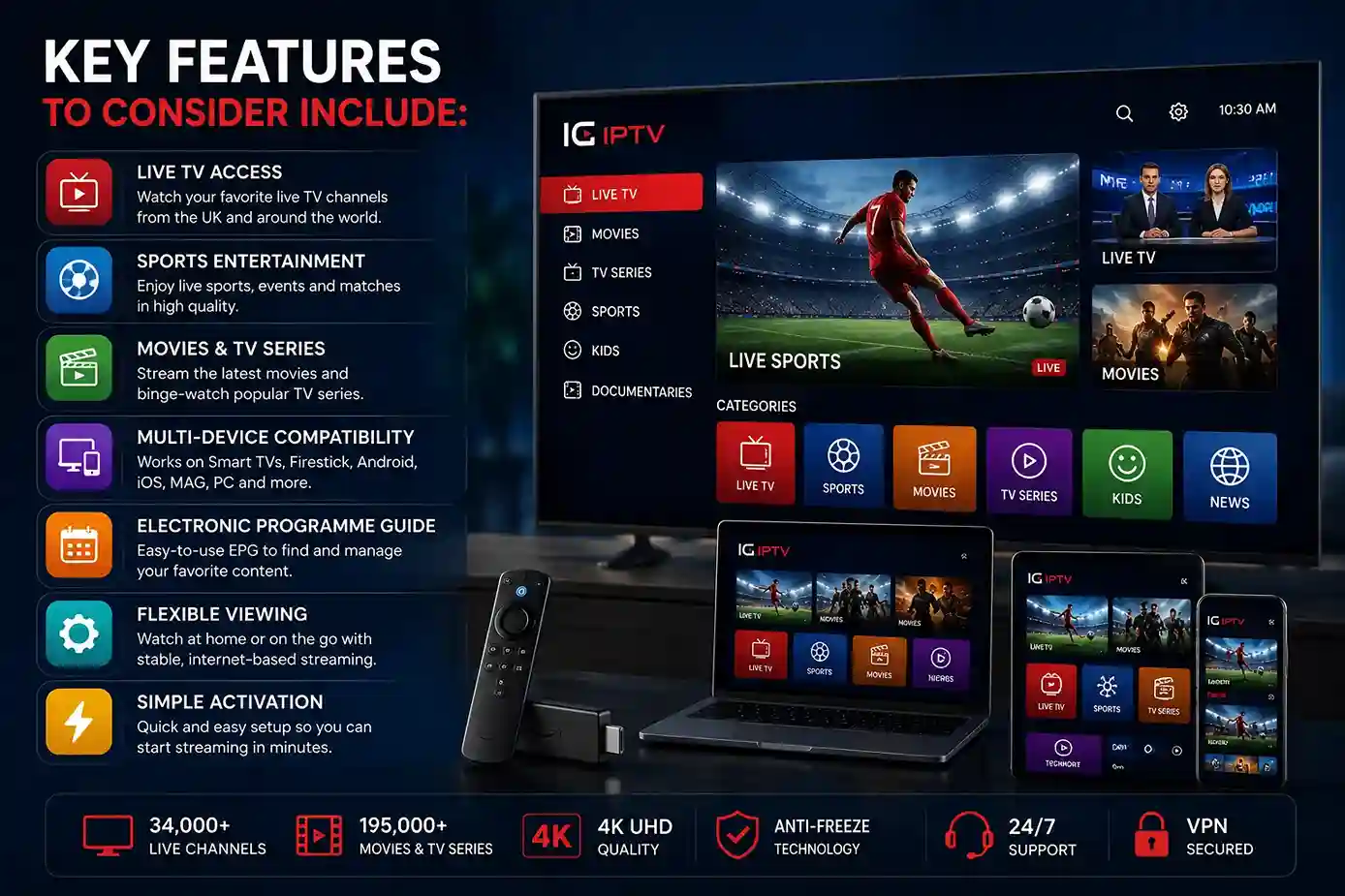
Key features to consider include:
- Live TV access: Watch available television channels through an internet connection.
- Sports entertainment: Access supported sports programming and live events.
- Movies and TV series: Enjoy on-demand entertainment where included with your subscription.
- Multi-device compatibility: Use supported Smart TVs, streaming devices, smartphones, tablets and computers.
- Electronic Programme Guide: An EPG can make finding upcoming programmes easier.
- Flexible viewing: Watch content at home or on compatible devices wherever your internet connection allows.
- Simple activation: A straightforward setup can reduce the time needed to start streaming.
For viewers specifically comparing plans, our IPTV subscription page provides another useful starting point for understanding subscription options.
Live TV and Entertainment
One of the main reasons viewers explore IPTV is the flexibility it can provide for live television and entertainment. Rather than being restricted to a traditional television setup, compatible IPTV services can bring live programming and entertainment to different connected devices.
Depending on the service and available content, viewers may find categories covering news, entertainment, documentaries, international programming, movies and television series.
For UK households, this can make IPTV a convenient option for bringing different types of content together in one internet-based viewing experience.
However, availability can vary between services and packages. Before subscribing, check the provider’s current channel and content information to make sure it matches what you actually want to watch.
Sports Streaming With IPTV
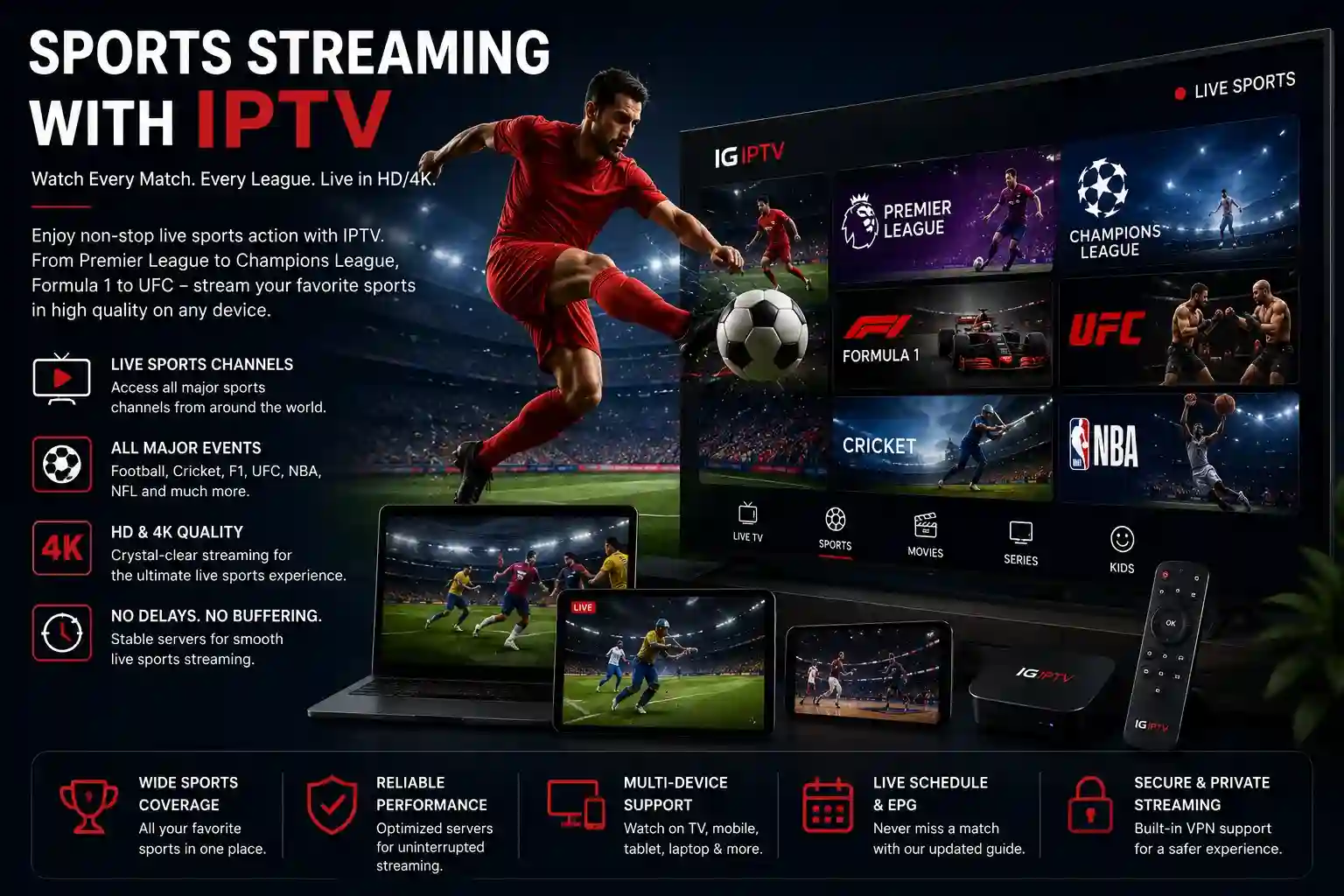
Sports is another major reason people consider IPTV services. Live sports viewing can require access to different channels and competitions, so choosing a service should involve more than simply looking at the total number of channels advertised.
When evaluating IPTV for sports, consider:
- Availability of the sports channels you need
- Streaming stability during busy periods
- Picture quality and resolution
- EPG information for upcoming events
- Compatibility with your preferred device
- Customer support when problems occur
A stable internet connection is also important because live sports can be particularly noticeable when a stream freezes, buffers or drops in quality.
If sports is one of your main reasons for considering IPTV, look for a service that clearly explains its available sports content rather than relying only on broad claims.
Watch IPTV Services on Multiple Devices
Modern viewers often use more than one screen, which makes device compatibility an important part of choosing an IPTV service.
Depending on the platform and application, IPTV may be available on devices such as:
Amazon Firestick and Fire TV
Android TV devices
Smart TVs
Android smartphones and tablets
iPhone and iPad
Apple TV
MAG-compatible devices
PCs and laptops
The installation process can differ from one device to another. For example, Firestick users can follow our guide on How to Install IPTV on Firestick, while Android TV users can use our dedicated IPTV on Android TV guide.
Using relevant installation guides as part of the user journey also makes it easier for visitors to move from researching IPTV to actually setting up their chosen device.
IPTV Streaming Quality and Performance
Streaming quality is one of the most important factors when comparing IPTV services. A service may offer an impressive content selection, but poor performance can make the viewing experience frustrating.
Several factors can affect IPTV performance, including:
Internet Connection
Your internet connection needs enough bandwidth to handle the video quality you are watching. Higher-resolution streams generally require more bandwidth than standard-definition content.
Server Performance
The quality and stability of the streaming infrastructure can influence how consistently content is delivered.
Device Capability
Older or less powerful devices may struggle with high-quality streams, particularly when several applications are running simultaneously.
Network Congestion
Busy home networks and peak internet usage can sometimes affect streaming performance.
For the best experience, use a reliable internet connection, keep your streaming device updated and avoid unnecessary applications running in the background.
How to Set Up an IPTV Service
Setting up an IPTV service generally involves a few straightforward steps, although the exact process depends on the device and application being used.
Step 1: Choose Your IPTV Service
Start by reviewing the available subscription and content options. Make sure the service supports your preferred device and offers the type of programming you want.
Step 2: Select a Compatible App or Device
Choose an IPTV-compatible application or supported streaming device. The correct option depends on whether you are using Firestick, Android TV, Smart TV, mobile or another platform.
Step 3: Install the Required Application
Download and install the appropriate application on your device. Follow the platform-specific instructions carefully.
Step 4: Enter Your Subscription Details
Use the credentials or activation information supplied with your subscription to configure the service.
Step 5: Load the Available Content
Once the setup is complete, your available channels or content should appear within the application.
If you are specifically looking for an IPTV option for the UK market, you can also explore our UK IPTV subscription page for more information.
Why Choose IG IPTV?
Choosing an IPTV provider should involve looking at the complete service rather than focusing on a single feature. Streaming reliability, available entertainment, device support, customer assistance and clear subscription terms all contribute to a better experience.
IG IPTV is designed for viewers looking for flexible internet-based entertainment across supported devices. The service focuses on live television, sports, movies and TV series while supporting a range of popular streaming platforms.
Before choosing any IPTV provider, it is sensible to compare:
Content and channel availability
Streaming performance
Supported devices
EPG functionality
Customer support
Pricing and subscription terms
Setup requirements
If you are comparing providers before making a decision, visit our IPTV provider page to learn more about what to look for in a provider.
The goal should be to choose an IPTV service that fits your viewing habits, preferred devices and entertainment requirements rather than selecting an option based solely on the number of channels advertised.
IPTV Services FAQs
IPTV services deliver television programming through an internet connection rather than traditional broadcast, cable or satellite delivery methods. Depending on the provider, they may include live TV, sports, movies and on-demand entertainment.
Yes, internet-based television services are available to UK viewers. However, content availability and licensing can vary between providers, so users should check the service's terms and content rights before subscribing.
Compatible devices can include Smart TVs, Firestick, Android TV, smartphones, tablets, Apple TV, MAG devices and computers. Compatibility depends on the particular service and IPTV application.
A stable internet connection is important for IPTV streaming. The bandwidth required depends on the video quality, with higher-resolution streams generally requiring more bandwidth.
Some IPTV services provide access to sports channels and programming. Before subscribing, check the provider's current content information to confirm whether the sports channels or events you want are available.
It depends on your viewing preferences. IPTV can provide flexible internet-based access across multiple compatible devices, while traditional TV may offer different delivery methods and packages. Comparing content, cost, reliability and device flexibility can help you decide.
Look at streaming stability, content availability, device compatibility, EPG quality, customer support, pricing transparency and subscription terms. Avoid choosing a service based only on its advertised channel count.