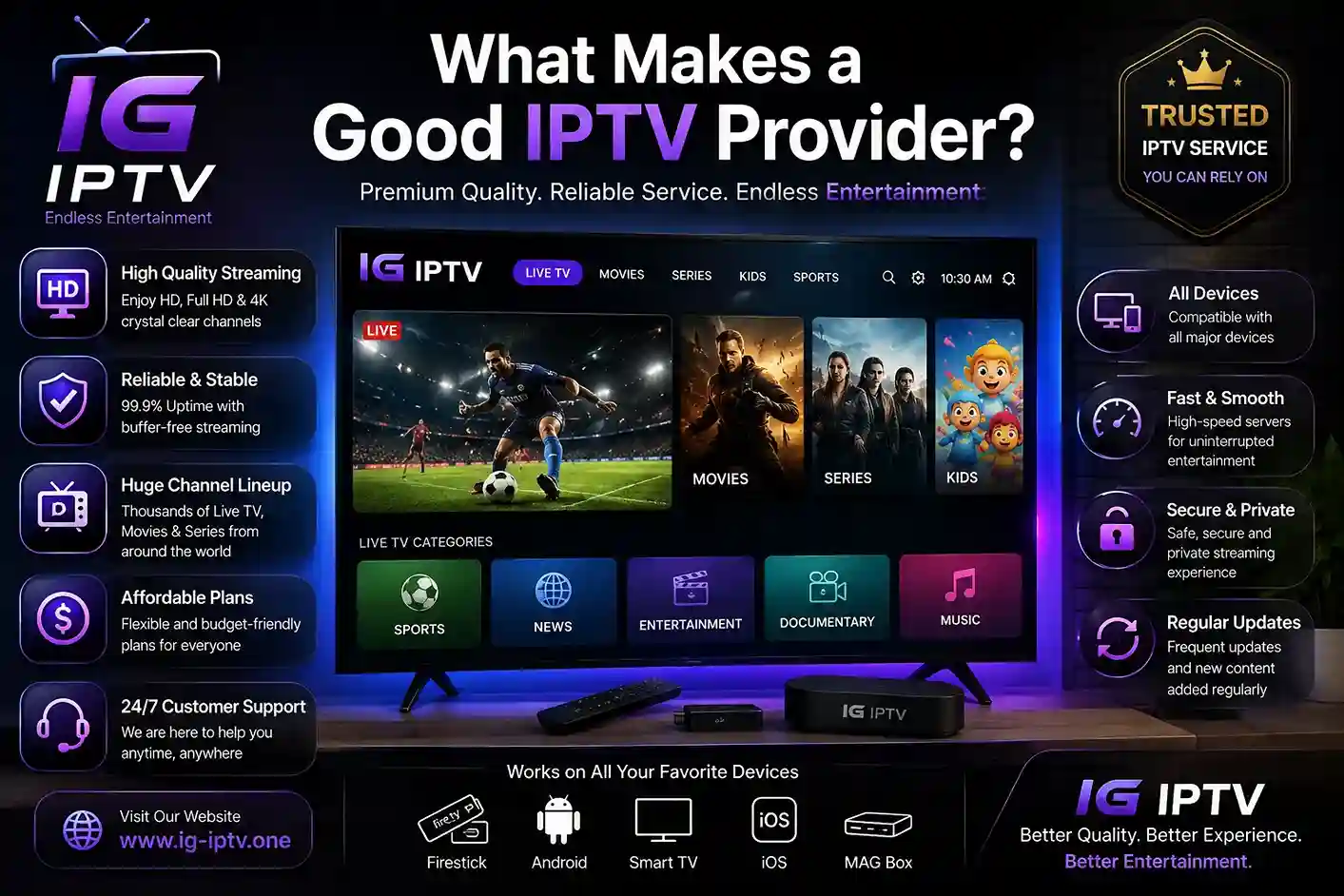
Choosing the right IPTV provider can be difficult when almost every service promises high-quality streaming, thousands of channels, 4K content and support for multiple devices. The real difference usually appears after you start watching, especially during busy evening hours or live sporting events.
A good IPTV provider should offer more than a large channel list. Streaming stability, content availability, device compatibility, EPG quality, customer support, transparent subscription terms and overall value are all important factors to consider.
For viewers in the United Kingdom, it is also worth checking whether a service properly supports the devices and viewing habits common to UK households.
What Is an IPTV Provider?
An IPTV provider is a company or service that delivers television and video content over an internet connection rather than through traditional satellite, cable or terrestrial broadcasting.
Depending on the service, an IPTV subscription may provide access to live television, sports, entertainment, movies and video-on-demand content through a compatible application or streaming device.
It is also important to understand the difference between an IPTV provider and an IPTV player. The provider supplies the service or content access, while the player is the application used to display and organise that content on your device.
When comparing providers, don’t focus only on the number of channels advertised. A smaller, well-organised service with reliable streams can provide a much better viewing experience than a provider advertising an enormous list that contains duplicates or unavailable channels.
What Makes a Good IPTV Provider?
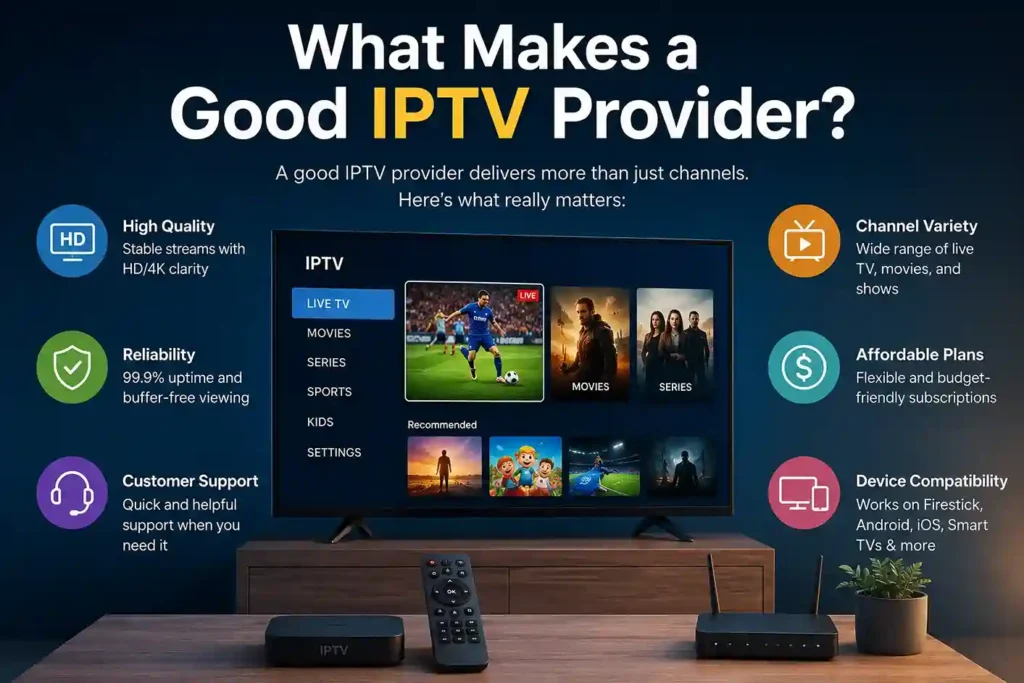
The best way to evaluate an IPTV provider is to look at several practical factors instead of relying on marketing claims alone.
Streaming Quality and Reliability
A reliable stream should load quickly and remain stable during normal viewing. Peak-time performance is particularly important because evening hours and major sporting events can place additional demand on streaming infrastructure.
A provider that works well at midday but regularly buffers during busy viewing periods may not be a good long-term choice.
Channel and VOD Availability
Channel quantity is only one part of the equation. Check whether the channels and content you actually watch are available.
A useful service may include live TV, entertainment, news, sports and an on-demand library, depending on its offering and applicable content rights.
Device Compatibility
Your IPTV service should support the device you intend to use. Popular options include Fire TV Stick, Android TV, Smart TVs, smartphones, tablets and computers.
Always check compatibility before purchasing a subscription.
EPG and Navigation
An Electronic Programme Guide, or EPG, makes live television easier to navigate by showing programme information and schedules.
A well-maintained EPG can make a major difference when you have a large channel selection because you can quickly see what is currently playing and what is coming next.
Customer Support
Even a good streaming service can occasionally require technical assistance. Fast and useful customer support can help with activation, application setup, login problems and device configuration.
Look for a provider that clearly explains how customers can contact support and when support is available.
Transparent Subscription Terms
Before paying, check the subscription price, duration, renewal conditions, cancellation policy and refund terms.
Clear pricing is an important sign of a professional service. Avoid committing to a long-term plan until you understand exactly what you are purchasing.
How to Choose an IPTV Provider in the UK
If you’re comparing an IPTV provider UK viewers can use, start by identifying what matters most for your household.
1. Check the Content You Actually Watch
Don’t choose a service simply because it advertises tens of thousands of channels.
Instead, check whether the provider offers the categories, channels and on-demand content that are relevant to you.
2. Consider Peak-Time Stability
If you mainly watch live football, sports or evening television, test the service during the hours when you normally watch.
A provider’s performance during busy periods can tell you more than a promotional claim about server quality.
3. Check Your Device
Before subscribing, make sure your preferred device is supported.
For example, Firestick users should confirm that their chosen IPTV application works with their Fire TV setup, while Smart TV users should check application compatibility with their particular television model.
4. Compare Effective Pricing
Don’t compare providers based only on the headline price.
Consider the subscription duration, included features, number of supported connections and any additional costs.
5. Review Support and Refund Terms
Check whether support is available when you need it and whether the provider clearly publishes its refund or cancellation conditions.
6. Check Content Rights
A trustworthy provider should have the appropriate rights or permissions for the content it distributes in your region.
IPTV Provider United Kingdom – What Should UK Viewers Expect?
A good IPTV provider United Kingdom customers choose should provide an experience suited to the way they actually watch television.
UK viewers may be interested in a combination of live television, entertainment, news, sports and international programming. Device flexibility is also important because many households watch content through a mixture of Smart TVs, Firesticks, Android TV devices, phones and tablets.
Streaming stability should also be considered. If you regularly watch live events, a provider’s performance during high-demand periods can be more important than its advertised channel count.
Another important factor is usability. A clean EPG, organised categories and straightforward setup can make a large IPTV library much easier to navigate.
IPTV Service Provider vs IPTV Player: What's the Difference?
The terms IPTV service provider and IPTV player are sometimes confused, but they perform different roles.
An IPTV provider supplies access to the television or video service.
An IPTV player is the software or application used to load and display the available content.
For example, you might subscribe to an IPTV service and then use a compatible player on your Firestick, Android TV or Smart TV.
This distinction matters because installing an IPTV player does not automatically give you television content. The player and the content service are separate components.
Why Choose IG IPTV as Your IPTV Provider?
IG IPTV is designed for viewers looking for a convenient streaming experience across popular devices.
The service focuses on live television and entertainment while supporting a range of modern streaming platforms.
Live TV and Entertainment
IG IPTV provides access to live television and entertainment categories through compatible devices.
Whether you prefer watching regular television programming, sports, movies or series, the service is designed to bring different types of entertainment into one streaming environment.
HD and 4K Streaming
Where supported by the content, device and connection, HD and 4K streaming can provide a sharper and more detailed viewing experience.
Remember that video quality also depends on your internet connection, device capabilities and network conditions.
Compatible Devices
IG IPTV supports popular streaming platforms and devices, allowing viewers to choose the setup that works best for their home.
You can explore our How to Install IG IPTV on Firestick guide if you’re using Amazon Fire TV Stick.
Android TV users can follow our IG IPTV Android TV Guide for setup instructions.
EPG and Easy Navigation
An EPG can make live TV navigation easier by displaying programme information in an organised format.
This is particularly useful when a service offers a large number of channels.
Simple Activation
A straightforward activation process can make it easier for new users to get started without spending unnecessary time on complicated configuration.
For more information about available plans, visit the IPTV subscription page.
Customer Support
Setup can sometimes vary depending on your device and IPTV application. Having access to support can therefore be useful when configuring your service or troubleshooting common issues.
IPTV Provider Features to Check Before Subscribing
Before choosing any provider, use this simple checklist:
| Feature | Why It Matters |
|---|---|
| Channel availability | Ensures the content you want is available |
| Streaming stability | Helps reduce interruptions |
| Video quality | Important for HD and 4K viewing |
| EPG | Makes live channels easier to navigate |
| VOD library | Provides on-demand entertainment |
| Device compatibility | Lets you use your preferred screen |
| Customer support | Helps resolve setup and technical problems |
| Pricing transparency | Makes the actual cost easier to understand |
| Refund/cancellation terms | Helps you understand your commitment |
| Content rights | Important when evaluating service legitimacy |
This approach is more useful than choosing a provider based purely on its advertised channel count.
IPTV Streaming Quality: What Causes Buffering?
Buffering doesn’t always mean that the IPTV provider itself is the problem. Several factors can affect playback.
Common causes include:
- Weak Wi-Fi signal
- Network congestion
- Slow or unstable internet
- Device limitations
- High server demand
- Application problems
- Background downloads
- Peak viewing periods
If you’re experiencing buffering, try restarting your router and streaming device first. Moving from congested Wi-Fi to Ethernet can also help where possible.
You can also close applications using bandwidth and check whether the issue occurs across multiple channels.
For more detailed troubleshooting, see our IPTV buffering guide if available on your site
What Internet Speed Do You Need for IPTV?
The required internet speed depends on the video quality, stream bitrate, device and network conditions.
As a general starting point, HD streaming requires less bandwidth than 4K streaming. A stable connection is often just as important as raw download speed.
For the best experience:
Use a stable broadband connection
Prefer Ethernet where practical
Avoid heavy downloads while streaming
Keep your streaming device updated
Use a reliable IPTV application
If several people are using the same connection simultaneously, you may need additional bandwidth to maintain smooth playback.
Best Devices for an IPTV Service
A major advantage of IPTV is that compatible services can work across different types of devices.
Firestick
Amazon Fire TV Stick is a popular choice because it connects directly to your television and supports compatible streaming applications.
Read our How to Install IG IPTV on Firestick guide for setup instructions.
Android TV
Android TV devices offer broad application compatibility and can be a convenient option for IPTV streaming.
See our Android TV IPTV setup guide for more information.
Smart TVs
Samsung, LG and other Smart TVs can support IPTV applications when a compatible player is available for the television’s operating system.
Smartphones and Tablets
Compatible IPTV applications can allow you to watch supported content on Android phones, iPhones and tablets.
Computers
Depending on the service and application, IPTV can also be accessed through Windows and macOS devices.
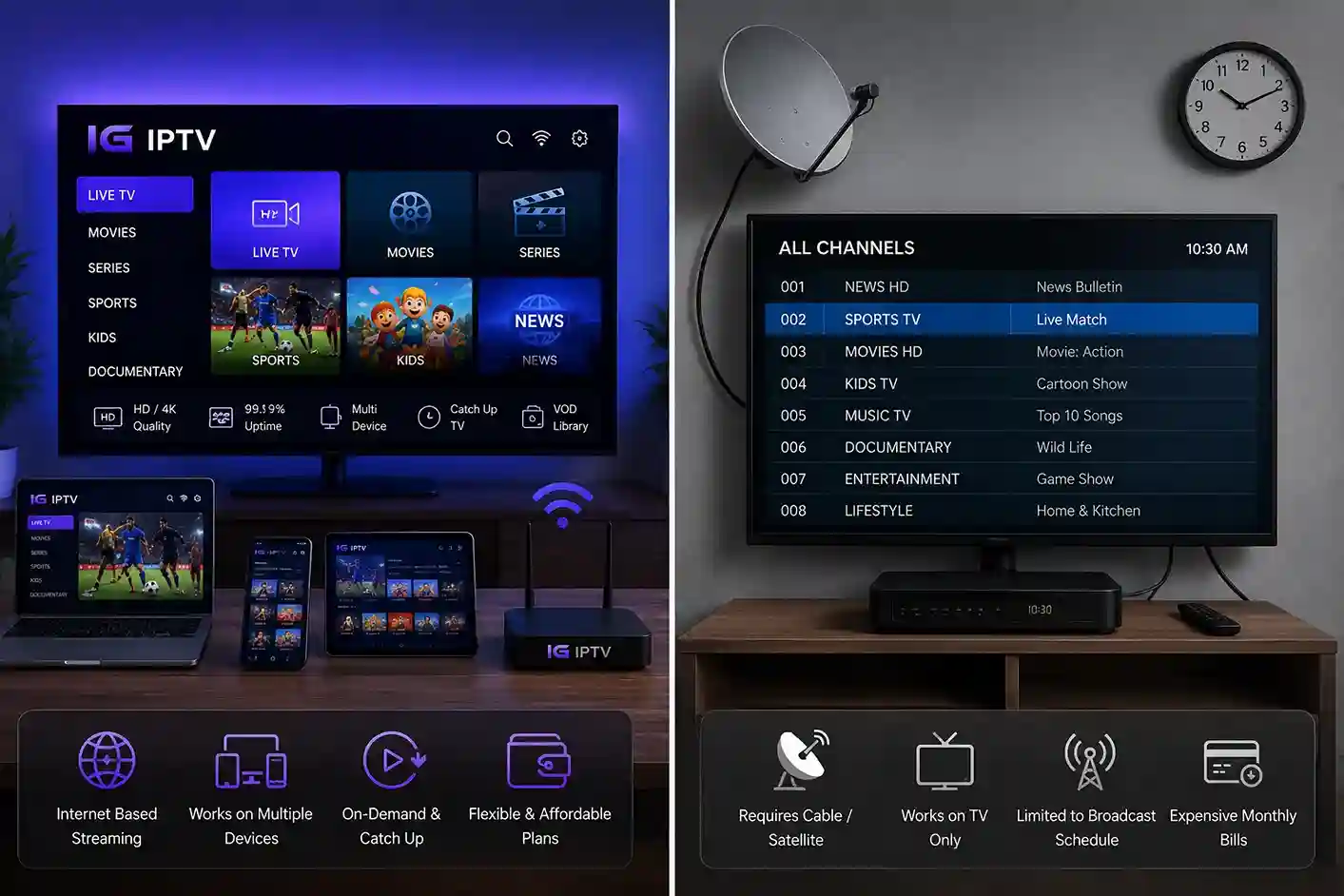
IPTV Provider vs Traditional TV
Traditional cable and satellite television rely on dedicated broadcasting infrastructure, while IPTV delivers video content through an internet connection.
IPTV can offer greater flexibility in terms of supported devices and viewing locations. However, it also depends on your internet connection and the performance of the service you choose.
Traditional television may be preferable for viewers who want a conventional plug-and-play experience, while IPTV can appeal to people who prefer internet-based viewing and device flexibility.
The right choice depends on your viewing habits, available broadband and preferred content.
Frequently Asked Questions About IPTV Providers
IG IPTV focuses on more than just a large channel lineup. The service is designed around a smooth viewing experience, with reliable streaming, broad content availability, compatibility across popular devices, EPG support, customer assistance and clear subscription options.
UK viewers should consider content availability, peak-time performance, supported devices, EPG quality, customer support and transparent pricing.
Yes, compatible IPTV services can be configured on Firestick using a supported IPTV application. Device and application compatibility should be checked first.
Many Smart TVs support IPTV applications, although compatibility varies by television model and operating system.
Some providers offer 4K content where available. Actual 4K playback also depends on the source stream, application, device and internet connection.
Buffering can be caused by internet congestion, Wi-Fi problems, device limitations, application issues or high server demand. Testing the connection and trying a wired connection can help identify the cause.
Many IPTV services support an Electronic Programme Guide, although the quality and depth of programme information can vary between providers.